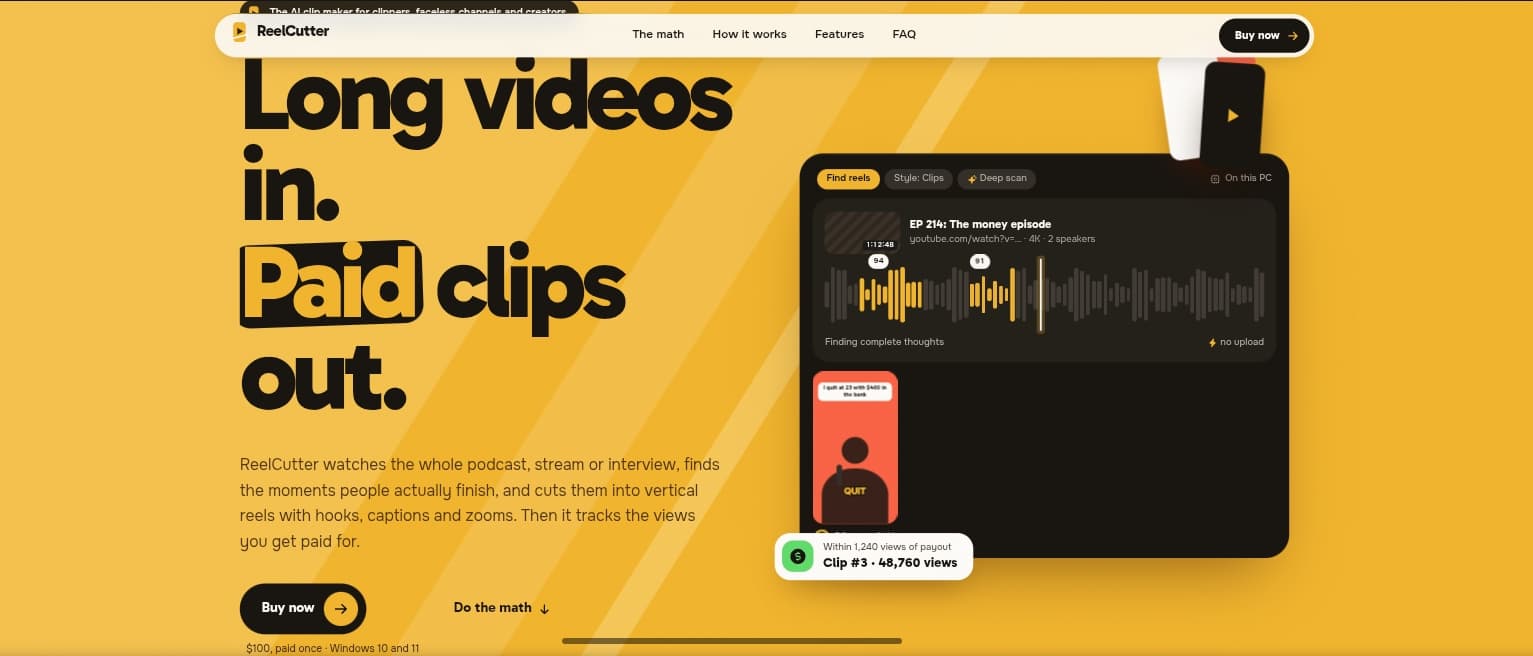
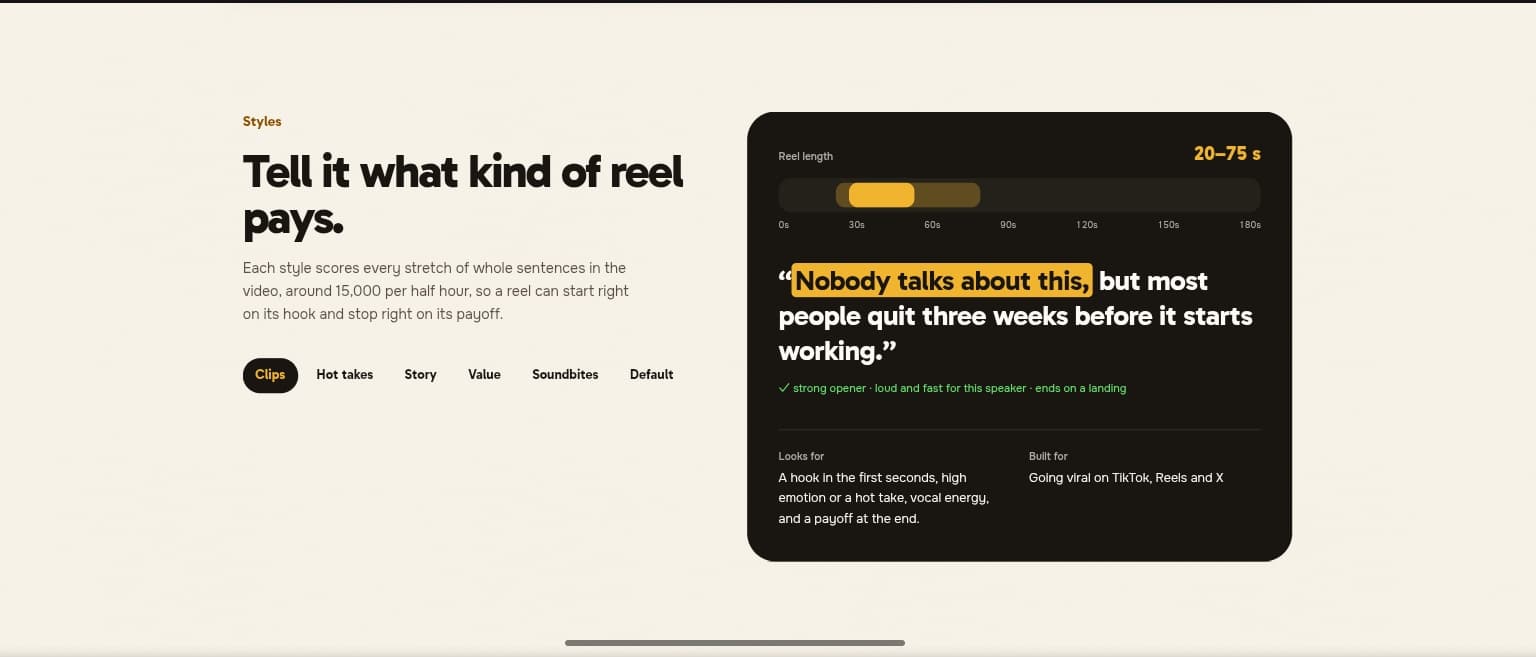
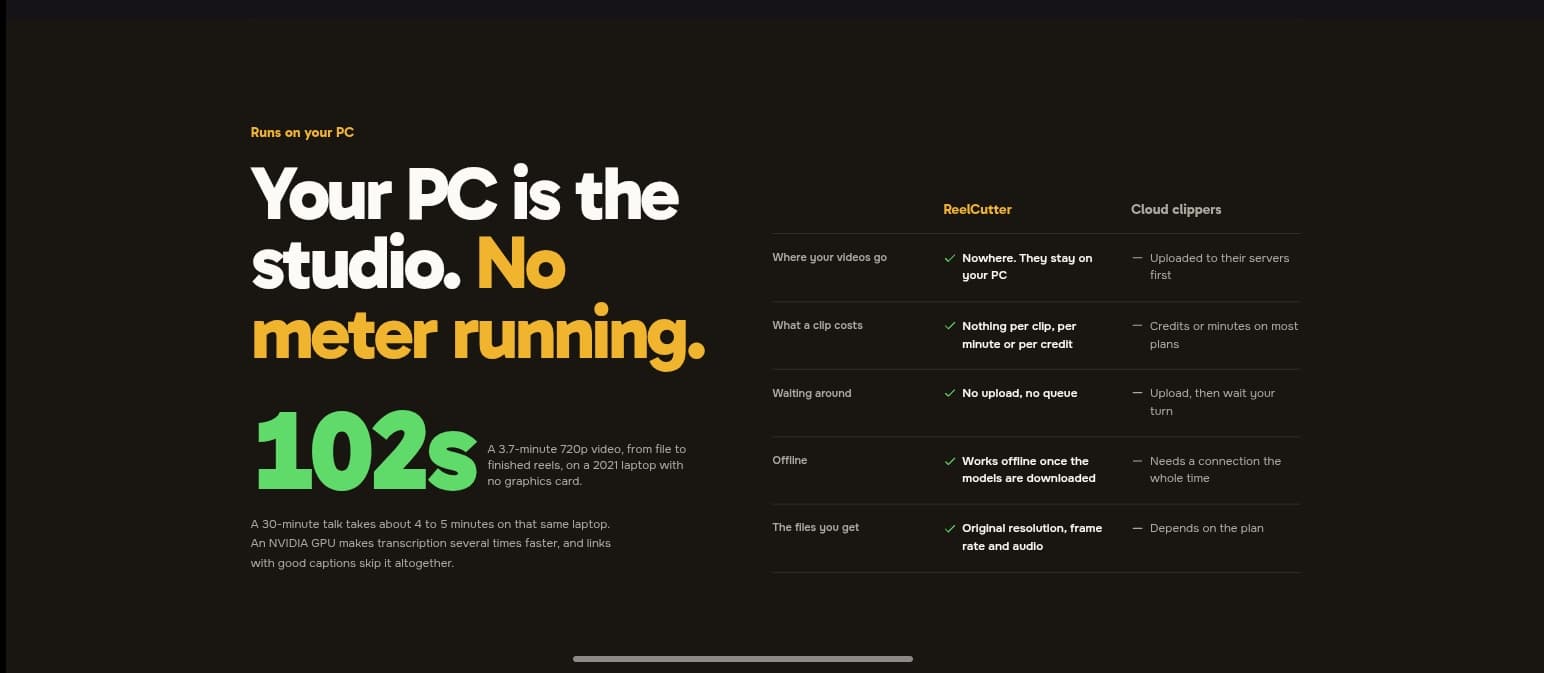
I engineered ReelCutter, a Windows desktop app that turns long talking videos like podcasts, interviews, and talks into short reels for TikTok, Instagram Reels, YouTube Shorts, and X. The app is an Electron shell with a self-managed Python 3.11 backend, set up through uv and shipped with an auto-updater, and it uses FFmpeg for video processing. Speech is transcribed locally with Whisper through faster-whisper and CTranslate2, with optional NVIDIA GPU acceleration. Sentence embeddings from all-MiniLM-L6-v2 find where each complete thought starts and ends, so clips are cut at natural boundaries instead of arbitrary timestamps. It exports the best 5 to 20 clips, 30 seconds to 3 minutes long, at the original quality. An optional deep scan runs Qwen3-4B locally through llama.cpp to re-rank the strongest candidates and explain each pick, and users can steer the results with styles like Clips, Hot takes, Story, Value, and Soundbites. Beyond clipping, I built a script-to-video mode that generates faceless videos using Supertonic 3 for voiceover, SDXS-512-DreamShaper for a picture per scene, and word-by-word captions. I also added an in-app editor based on FilmCraft, yt-dlp for pulling videos from links, a background batch queue for processing many videos at once, and a gallery of clipping gigs that pay per view. Every model runs locally on the user's PC and is downloaded once on first use. There are no API keys, cloud accounts, or telemetry, so videos never leave the machine and the app works offline after setup. The result is a private pipeline from one long recording to a batch of post-ready clips for CapCut or Premiere Pro.