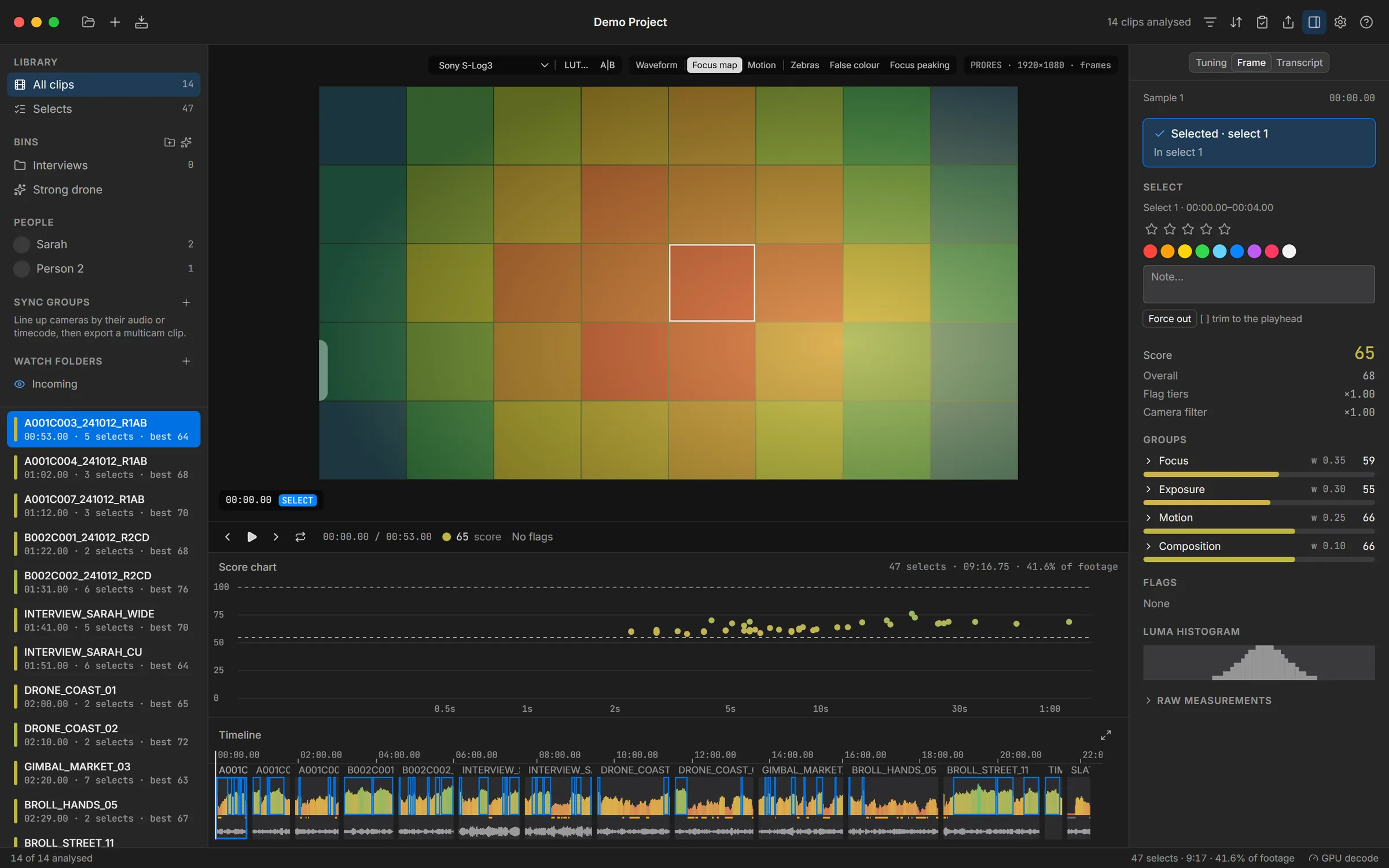
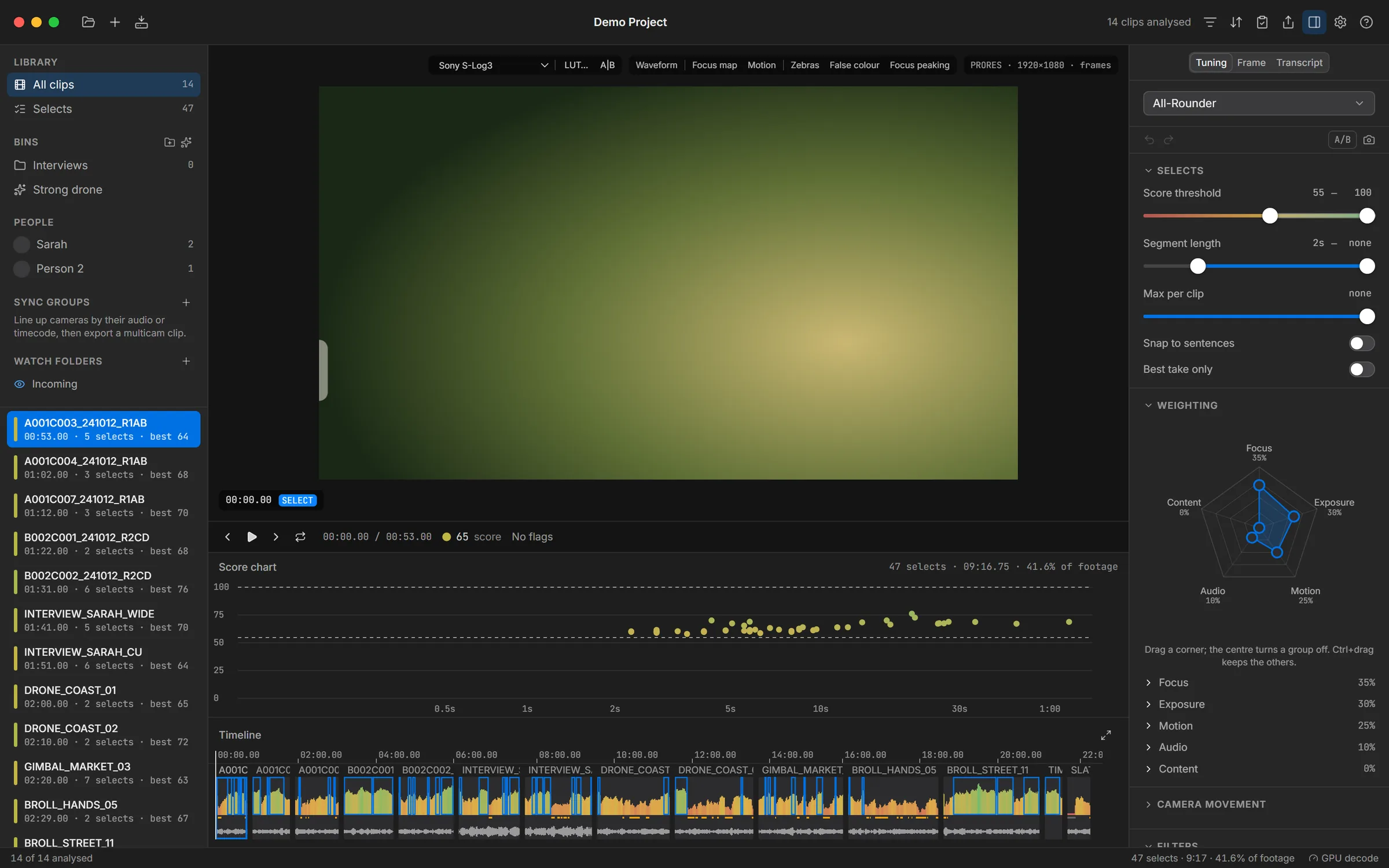
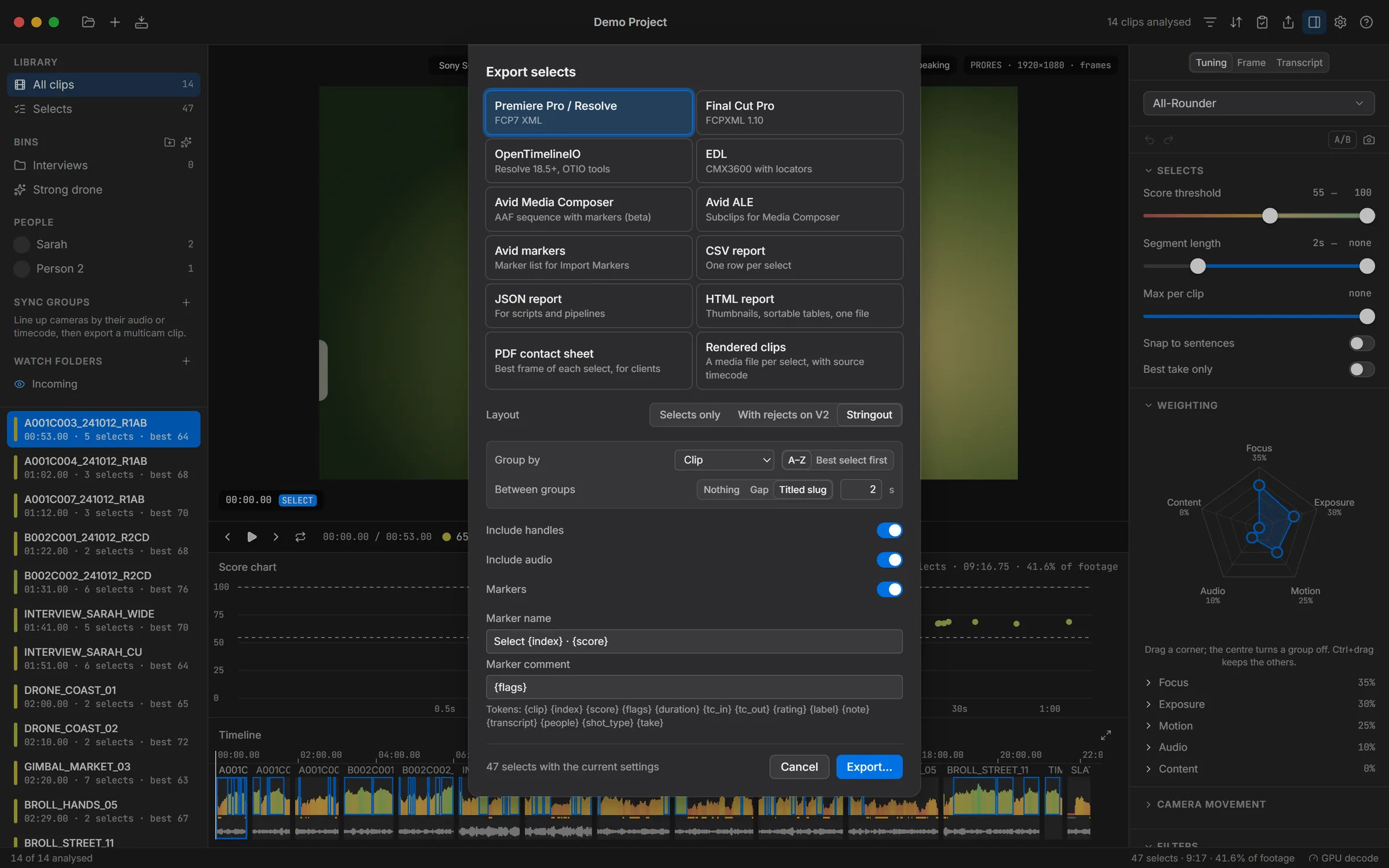
Editors lose hours scrubbing through footage that was never usable: soft focus, blown highlights, a shaky pan, a dead mic. ClipPro does that first pass. It decodes each clip once, measures focus, exposure, camera and subject motion and the audio at every sample, and scores the result against a preset you can tune with sliders, a weighting radar and a camera-movement wheel.
The selects go to the edit as a real timeline: FCP7 XML and FCPXML for Premiere, Resolve and Final Cut, AAF and ALE for Avid, OTIO and EDL for everything else, with markers that carry the scores. It can also read an edit back, score every shot in it and suggest better takes.
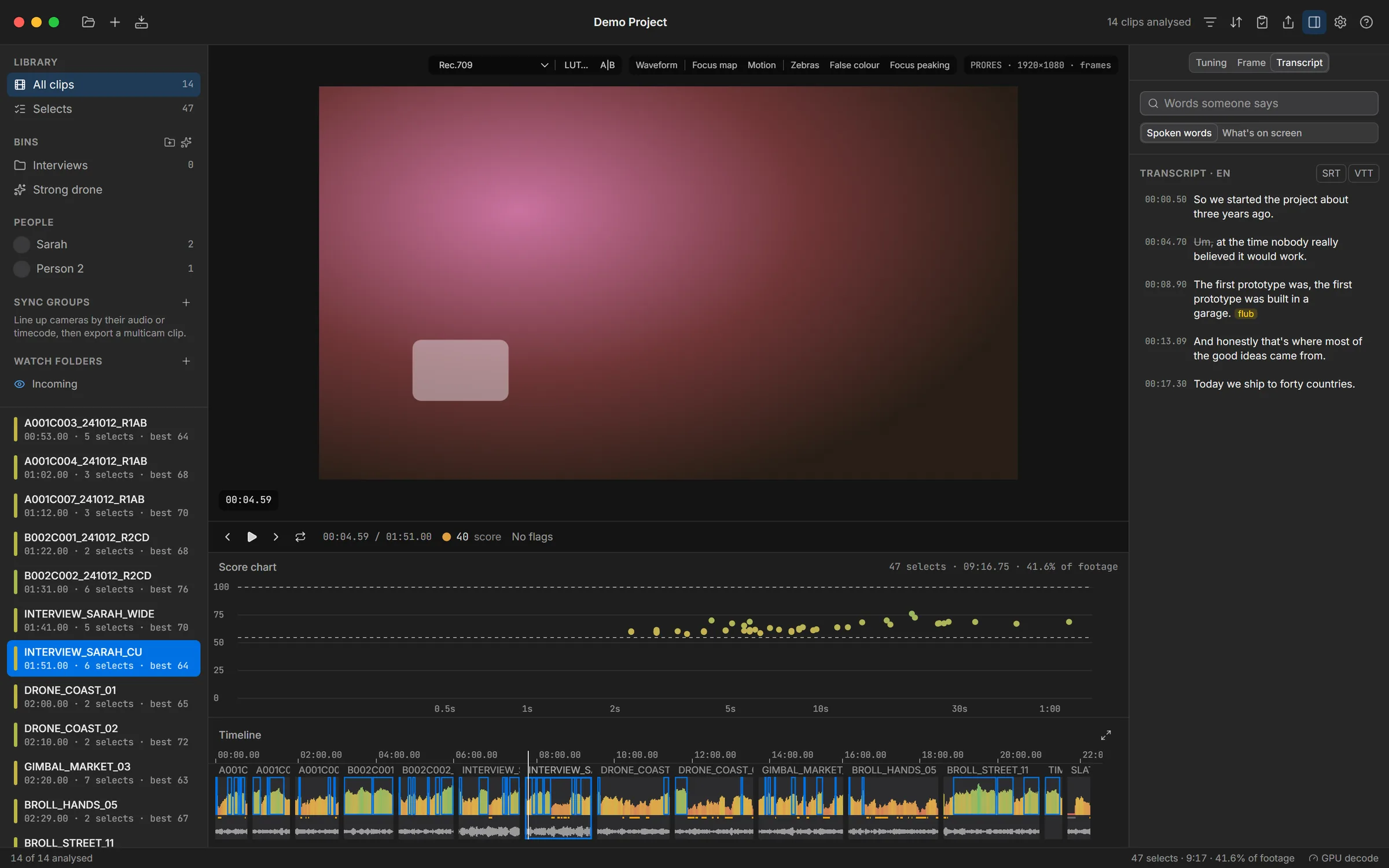
Local AI is optional and stays on the machine: face detection and People, CLIP shot types and visual search, Whisper transcripts with filler and flub detection, and speaker turns. The core is Rust (FFmpeg for decoding, ONNX Runtime and whisper.cpp for the models); the interface is React inside Tauri, designed to feel like a native Mac app on Windows.
Clearer progress, and an export sheet that fits your screen.
Fixed
- No more 0% at the end of a clip. After measuring every frame, a clip finishes with its audio and a final pass, which can take a while on long footage. Progress used to drop to 0% during that step; it now stays at 100% and says Finishing.
- Transcription shows its progress. The status bar shows how far transcription has got, and the Transcript tab shows a progress bar for the clip being transcribed. It also tells you when a clip is queued behind others, still being analysed, or has no speech.
- The export sheet fits the window. On smaller screens the bottom of the export sheet, including the Export… button, was cut off and couldn't be scrolled to. Sheets now scroll, and their buttons stay pinned at the bottom. To render clips, choose Rendered clips and press Export….